Writing about /dev/null, linking to it, or putting it on a slide? Everything you need is here: the logo, the colors, and a few backgrounds. Every logo comes as an SVG with the text outlined, so it looks the same without Geist installed, and as a PNG.
Logo
The mark next to the wordmark. Use it wherever there is room.




Mark
The two slashes on their own. Use it for avatars, favicons, and small spaces.


Wordmark
The name on its own, for when the mark is already nearby.




Colors
Ink on shell, with the accent orange for the outlined slash. Click a swatch to copy it.
light
dark
Every developer picks a lane, and lanes color the graph. Use them for illustrations, never for the logo.
Typography
Geist for everything, bold and tightly tracked for the wordmark, and Geist Mono for hashes, timestamps, and anything that looks like a terminal.
Aa
Geist, 400 to 700
Aa
Geist Mono, 400 and 500
Backgrounds
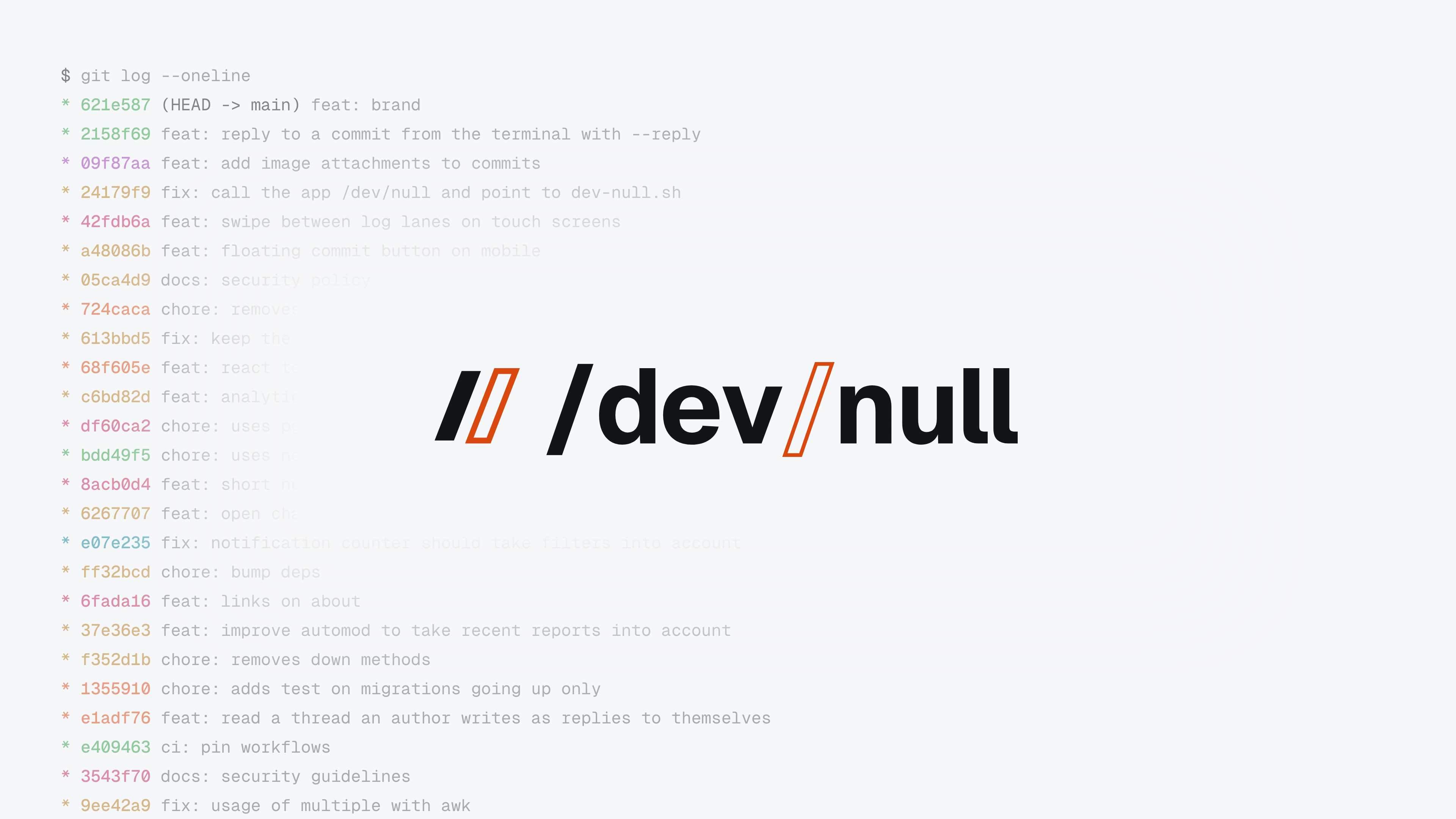
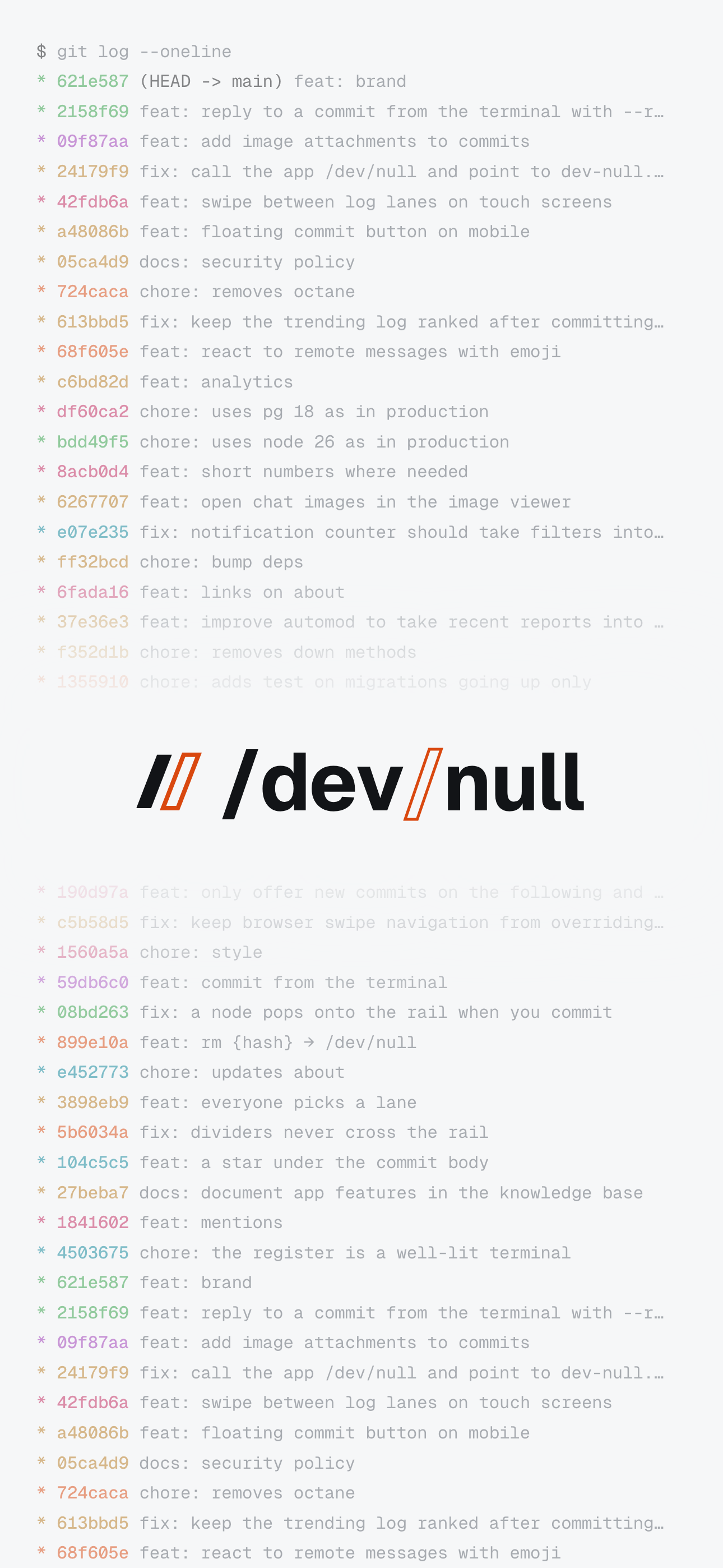
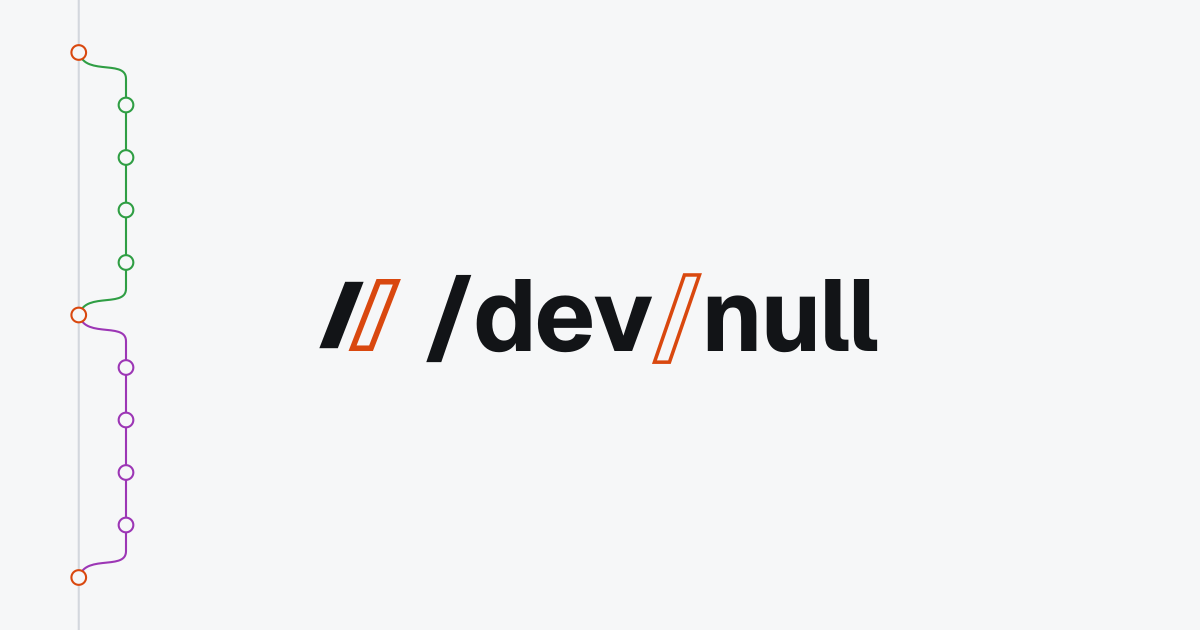
The logo on a commit graph, for your desktop, your phone, your profile header, or a link preview.































Usage
Do:
- Write the name as
/dev/null: lowercase, with both slashes, and no space. - Use the light logo on light backgrounds and the dark logo on dark ones.
- Use the black or white logo on photos or brand colors that are not ours.
- Leave clear space around the logo, at least the width of the mark.
- Keep the mark at least 16px tall, and the logo at least 20px.
Don't:
- Recolor, stretch, rotate, or add effects such as shadows or outlines.
- Fill the outlined slash, or outline the solid ones.
- Retype the wordmark in another font; use the files.
- Use the logo in a way that suggests we sponsor or endorse you.
Tip: right-click the logo in the sidebar for a shortcut back here.